
AI prompt widgets for iPhone, Android and Windows 11
A widget puts your prompts on the screen you already look at, so a prompt is one tap away before you even open an app. Prompt Petal Pro adds one on your iPhone home screen, your Android home screen and the Windows 11 widget board, plus a quick list on Apple Watch and Wear OS.
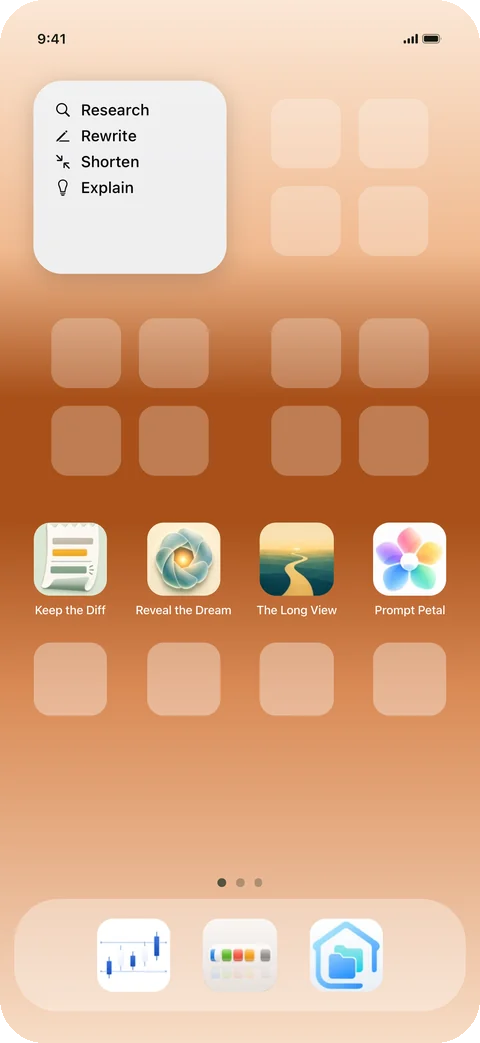
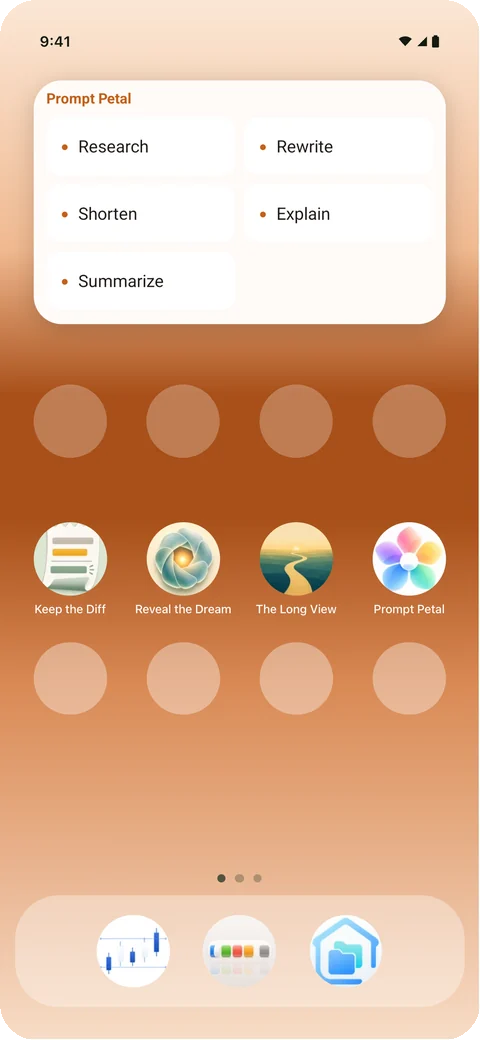
On iPhone and Android
Add the Prompt Petal widget from your home screen's widget list. It shows your prompts by name. Tap one and its words are copied, ready to paste into ChatGPT, Claude, Gemini or any chat. The Prompt Petal keyboard is there too, for typing a prompt straight into the app you are in.
On Windows 11
Open the widget board and add Prompt Petal. Pick a prompt and it lands in the app you were using, the same as picking a petal from the flower by your clock.
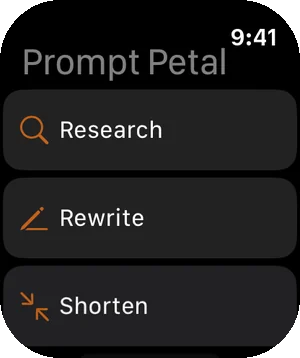
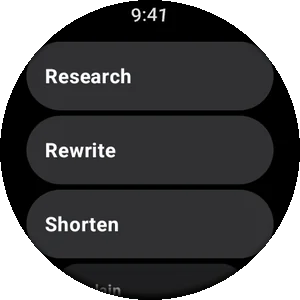
On your watch
Apple Watch and Wear OS list your prompts. Tap one and it goes to your phone, ready to paste.
Always your latest prompts
Widgets and watches read the same prompts as the app. Change a prompt on your Mac or PC and, with sync, every widget shows the new version.
Widgets and the watch come with Prompt Petal Pro.