
Stop retyping the same AI instructions.
AI prompt manager and improver that keeps your best prompts on a small flower in every app. Works with ChatGPT, Claude, Gemini, Copilot, Siri, Cursor, and any app that takes text.
Your five prompts are just the start
Demo everything Prompt Petal does
Pro features shown.
Your petals
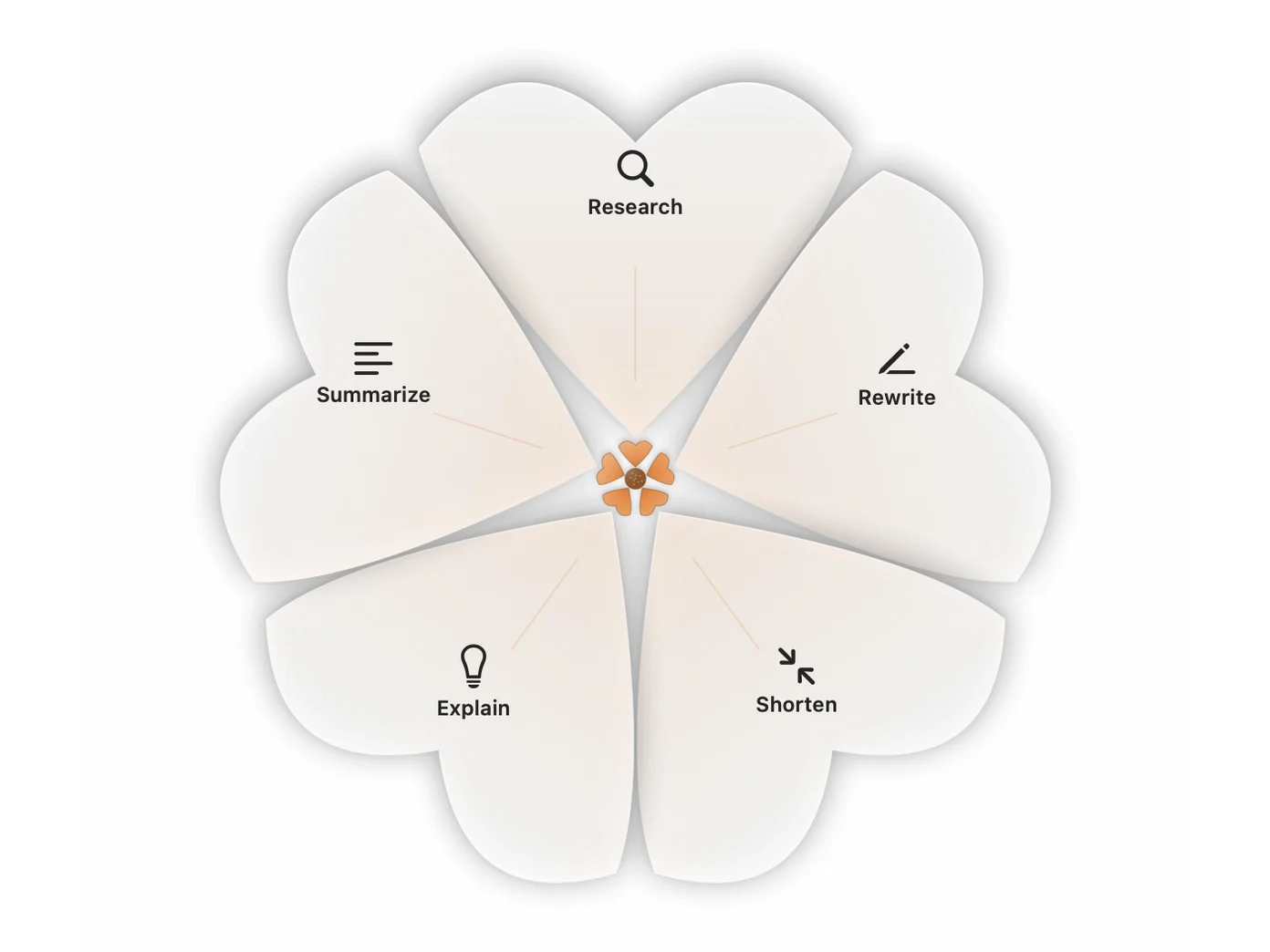
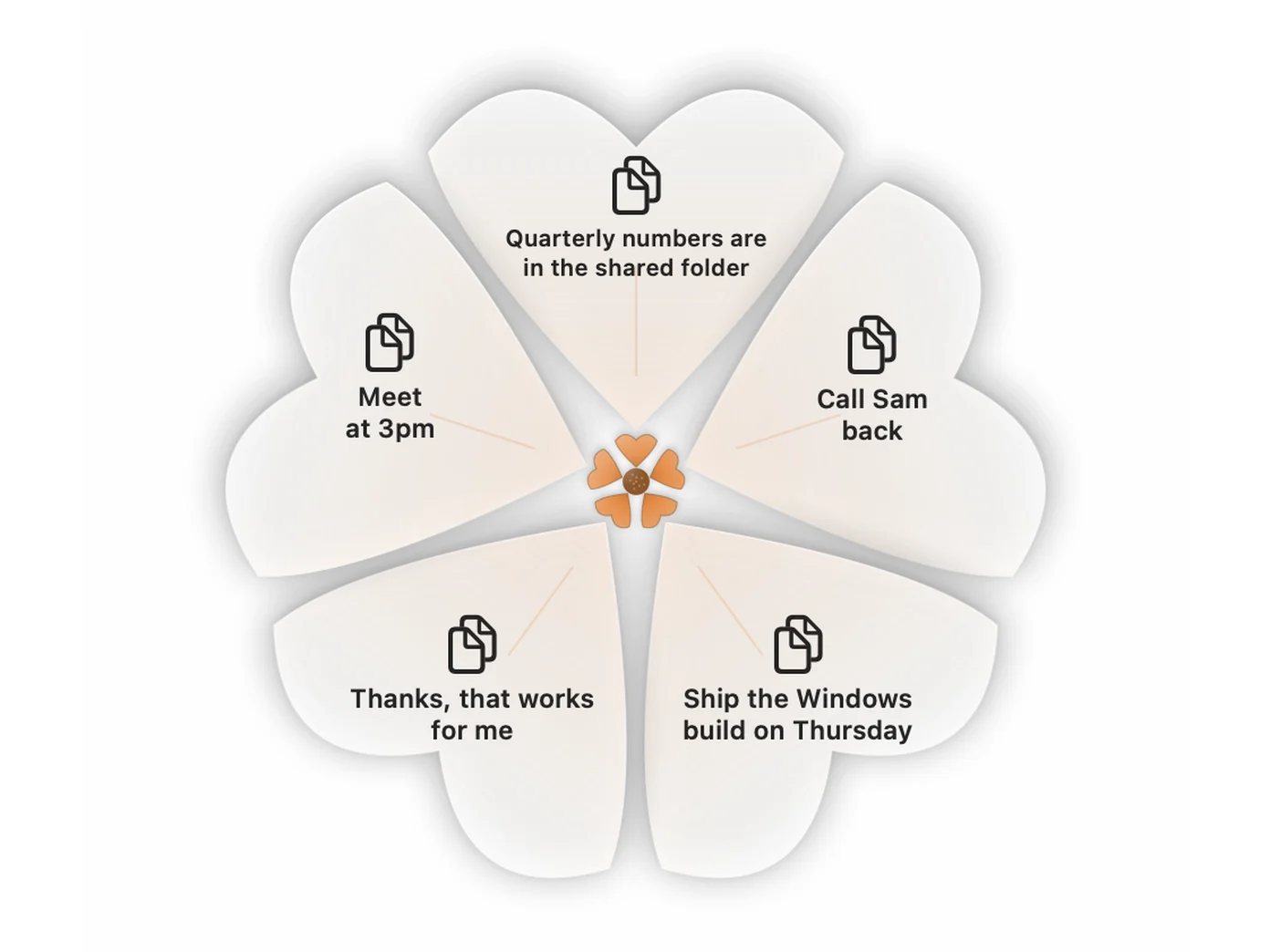
Five prompts in the free version. Click the flower in any app and they open around it, in the same place every time, so your hand learns where each one is.
Sync
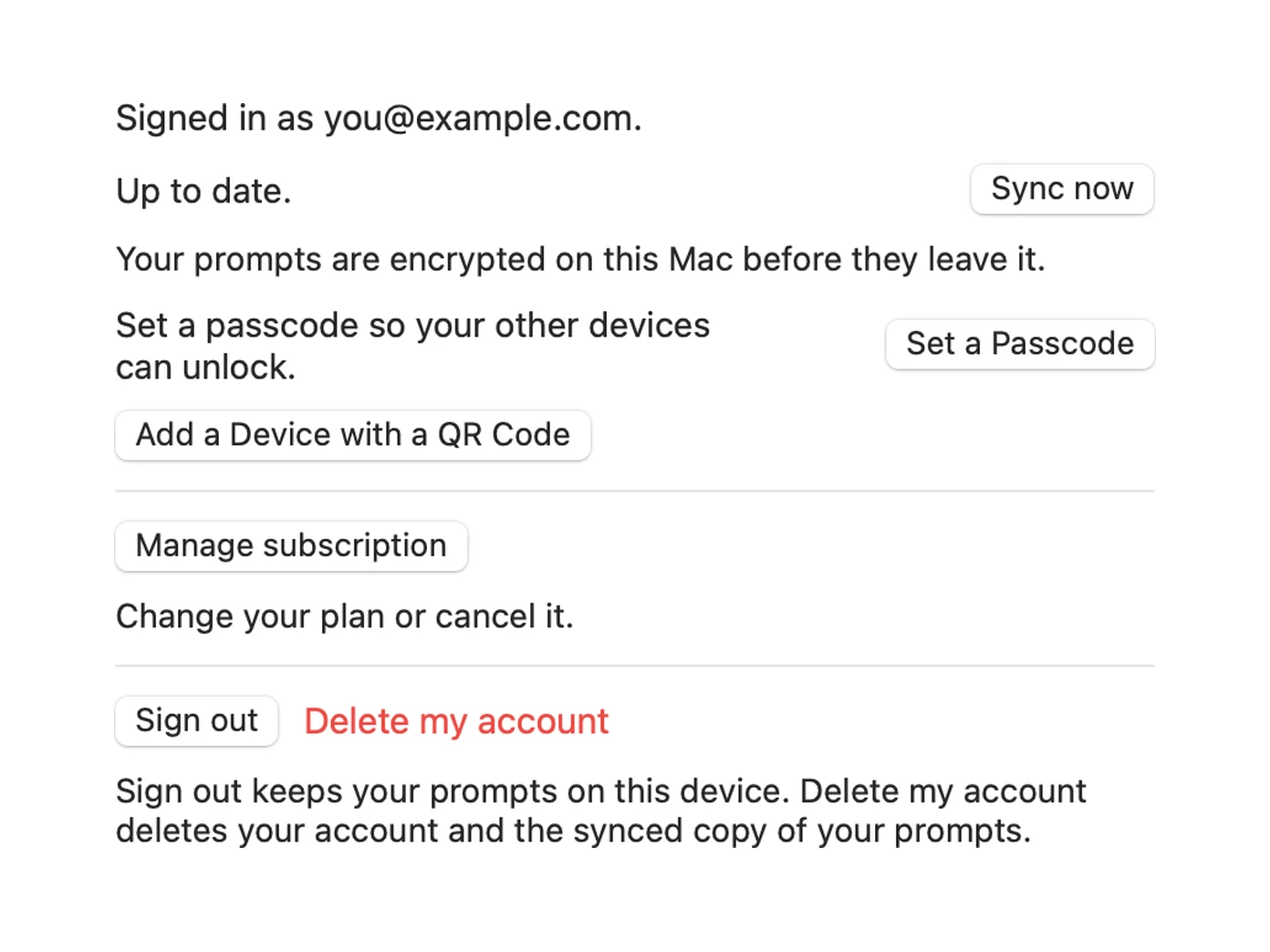
Write a prompt on your Mac and it is on your iPhone, Android phone, Windows PC and watch too. It is encrypted on your device before it leaves, and Sync now sends it straight away. Pro.
Import
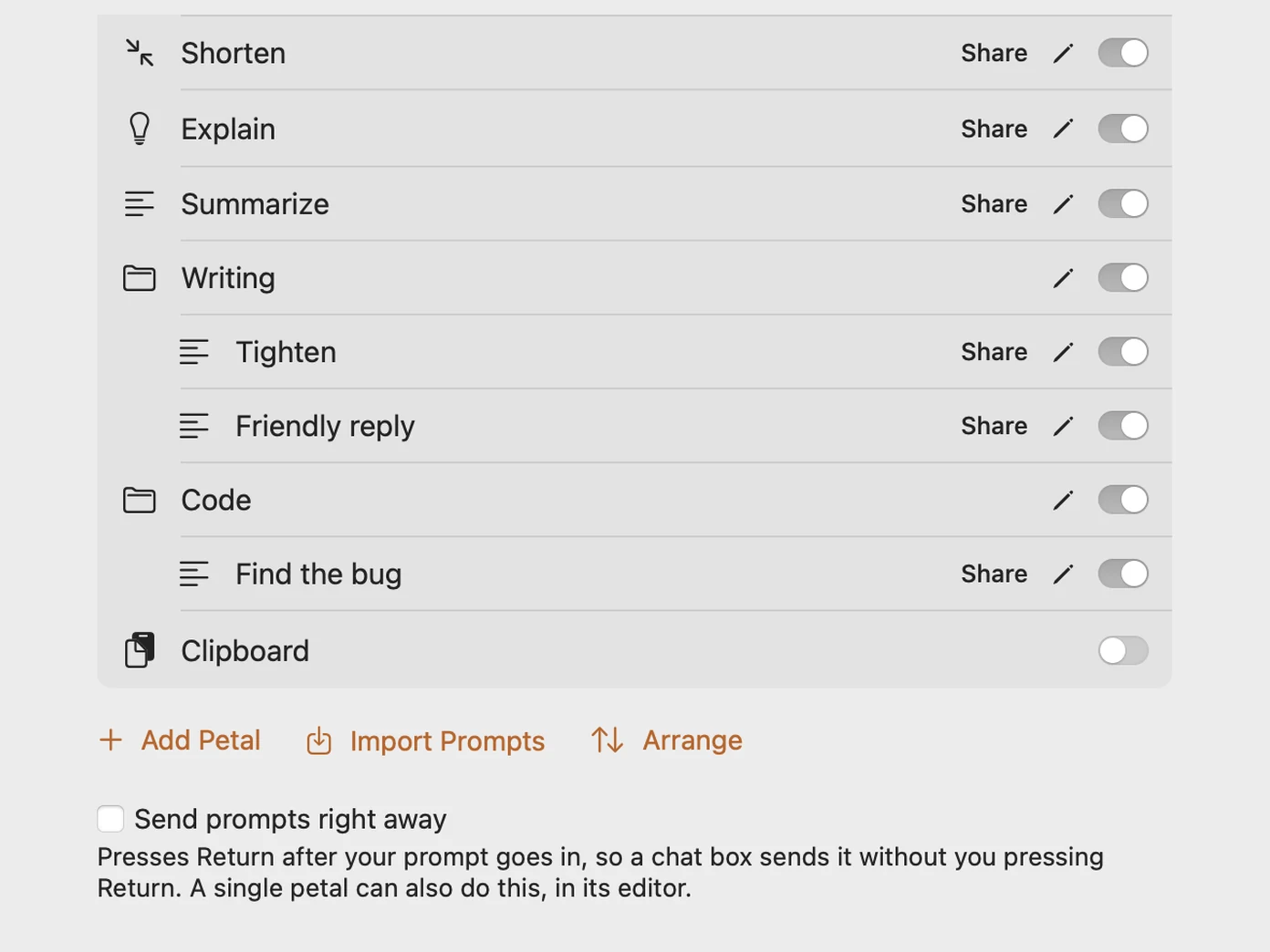
Bring the prompts you already keep: Markdown (.md) files, notes from Apple Notes, OneNote or Google Keep, Word and RTF documents, Excel and CSV sheets, and JSON exports like Raycast's. Their groups come too. Pro.
Improve
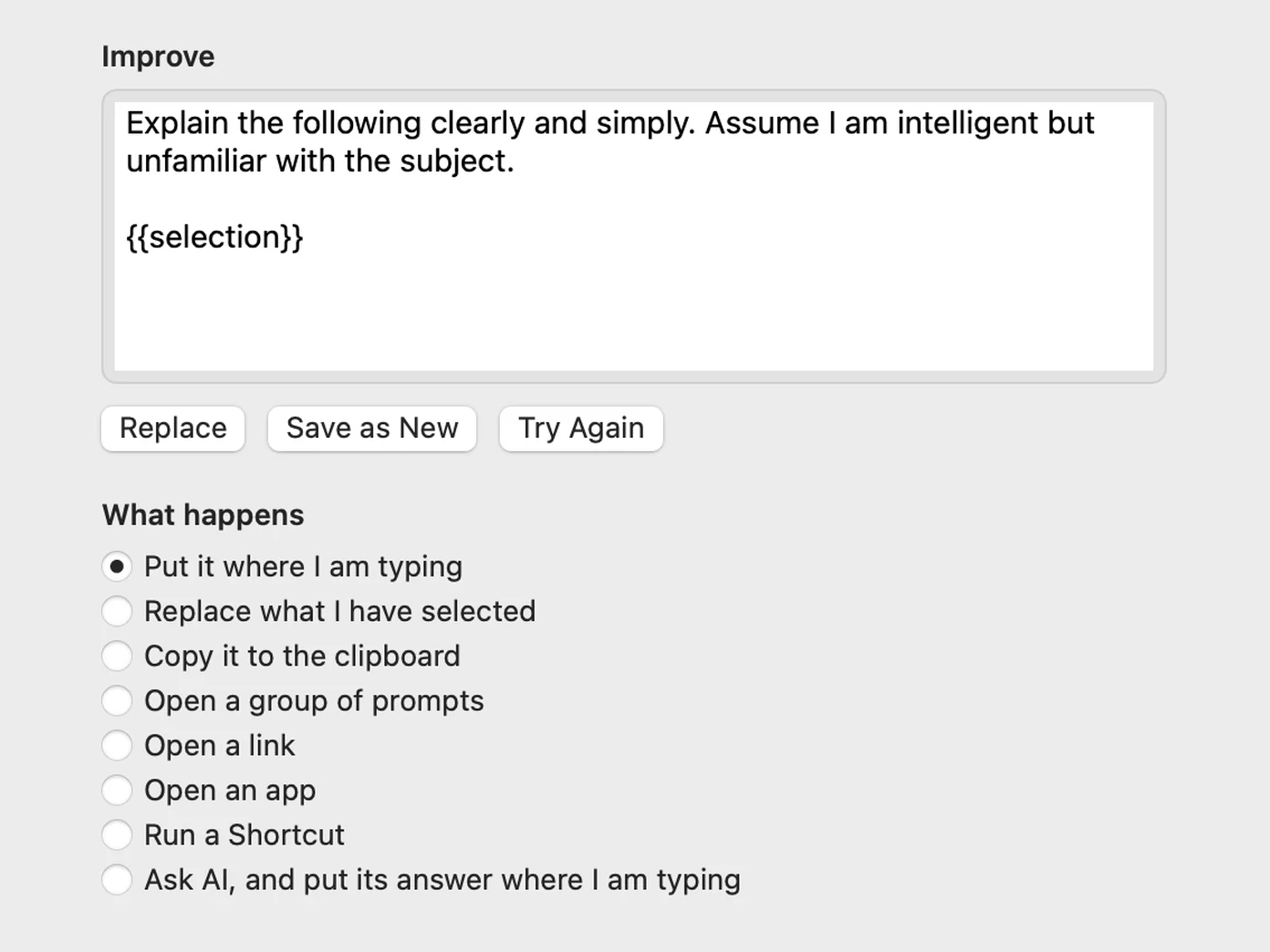
Free improves with the AI already on your device: Apple Intelligence on iPhone, iPad and Mac, Gemini Nano on supported Android phones. Anywhere else, it copies a ready request to paste into Siri, Gemini, Copilot or ChatGPT. Then Replace, Save as new, or Try again. Pro adds your own ChatGPT, Claude or Gemini key, and Claude Desktop, Cursor and VS Code can improve and save prompts through MCP.
Groups
One petal that opens into petals of its own. Summarize can hold five ways to summarize, and your main petals stay uncluttered. Pro.
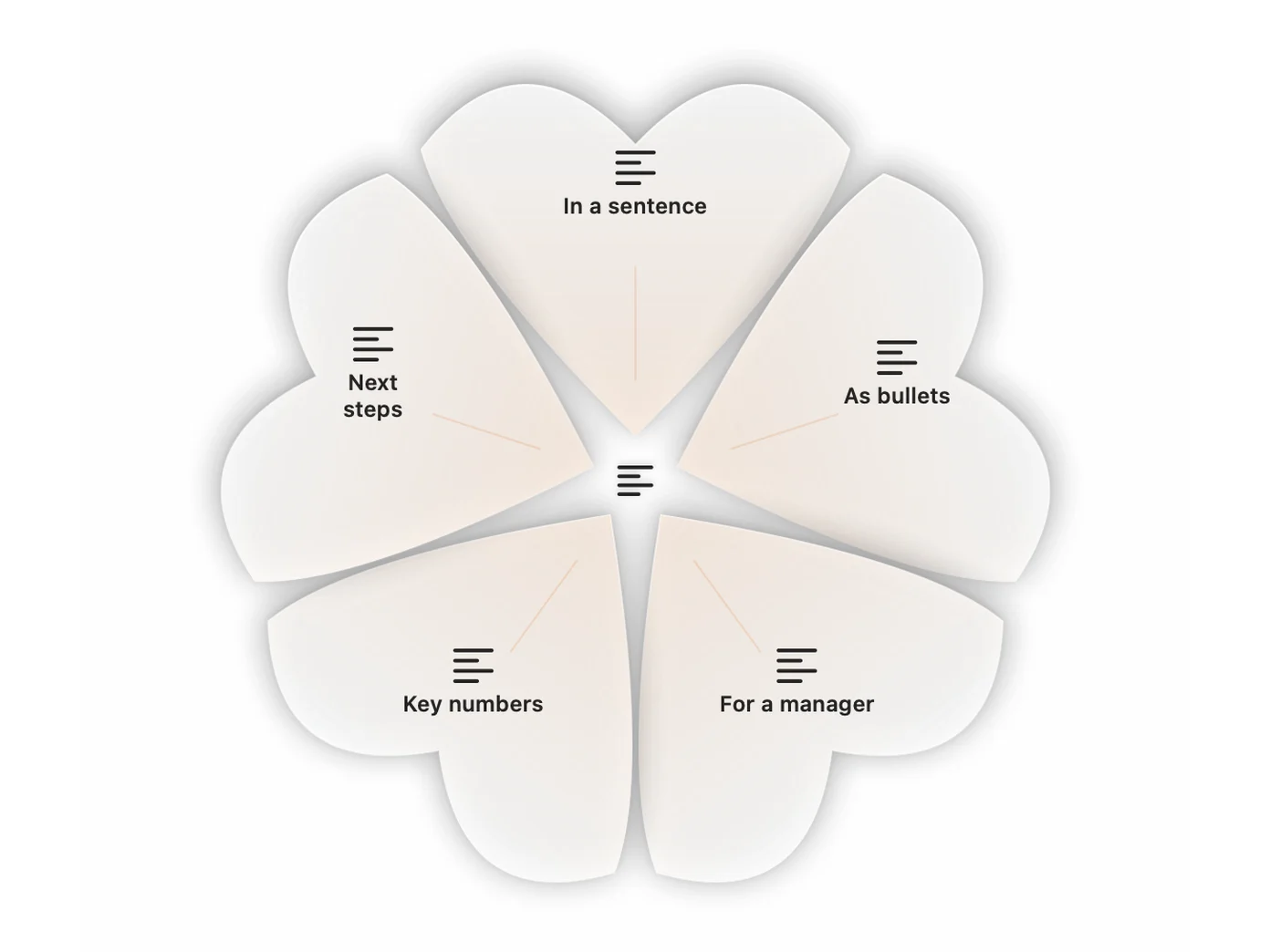
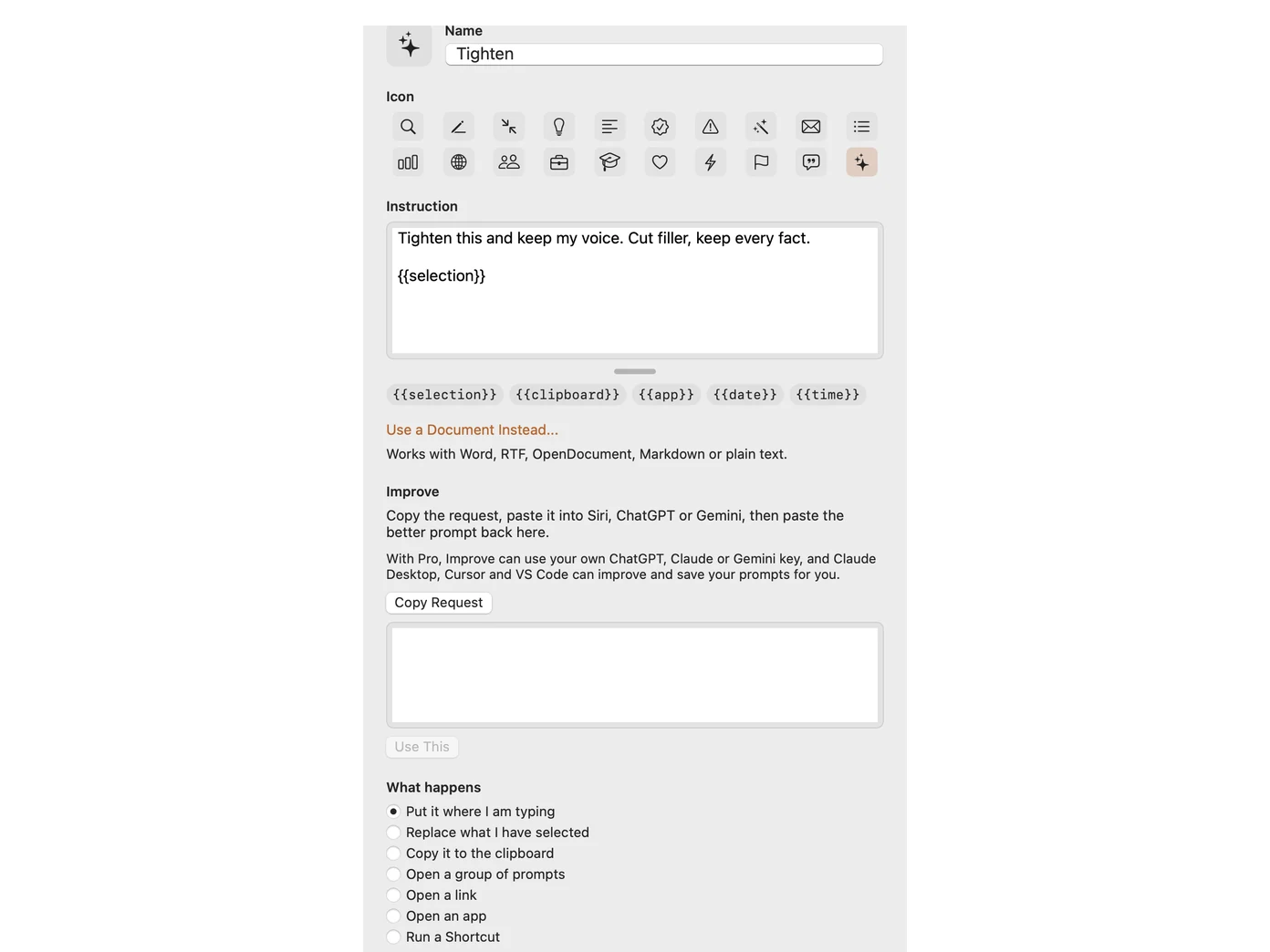
Write your own
Name it, pick an icon and write the instruction. Put what you selected, what you copied, the app or the date wherever you want them filled in. Free for five of your own.
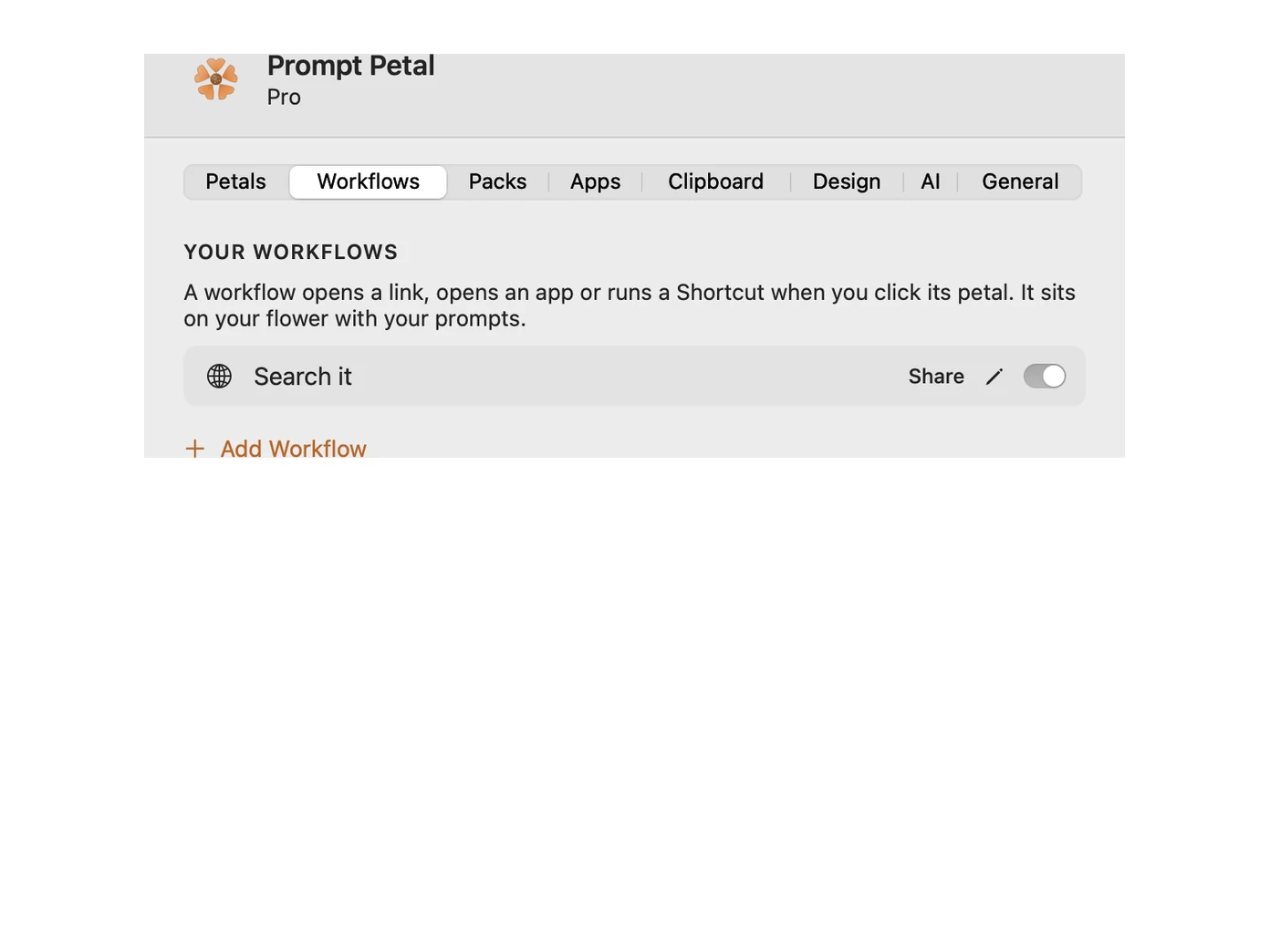
Workflows
A petal can open a link with your selection in it, open an app, run a Shortcut, or ask AI with your own key and type the answer for you. Share any prompt with a link. Pro.
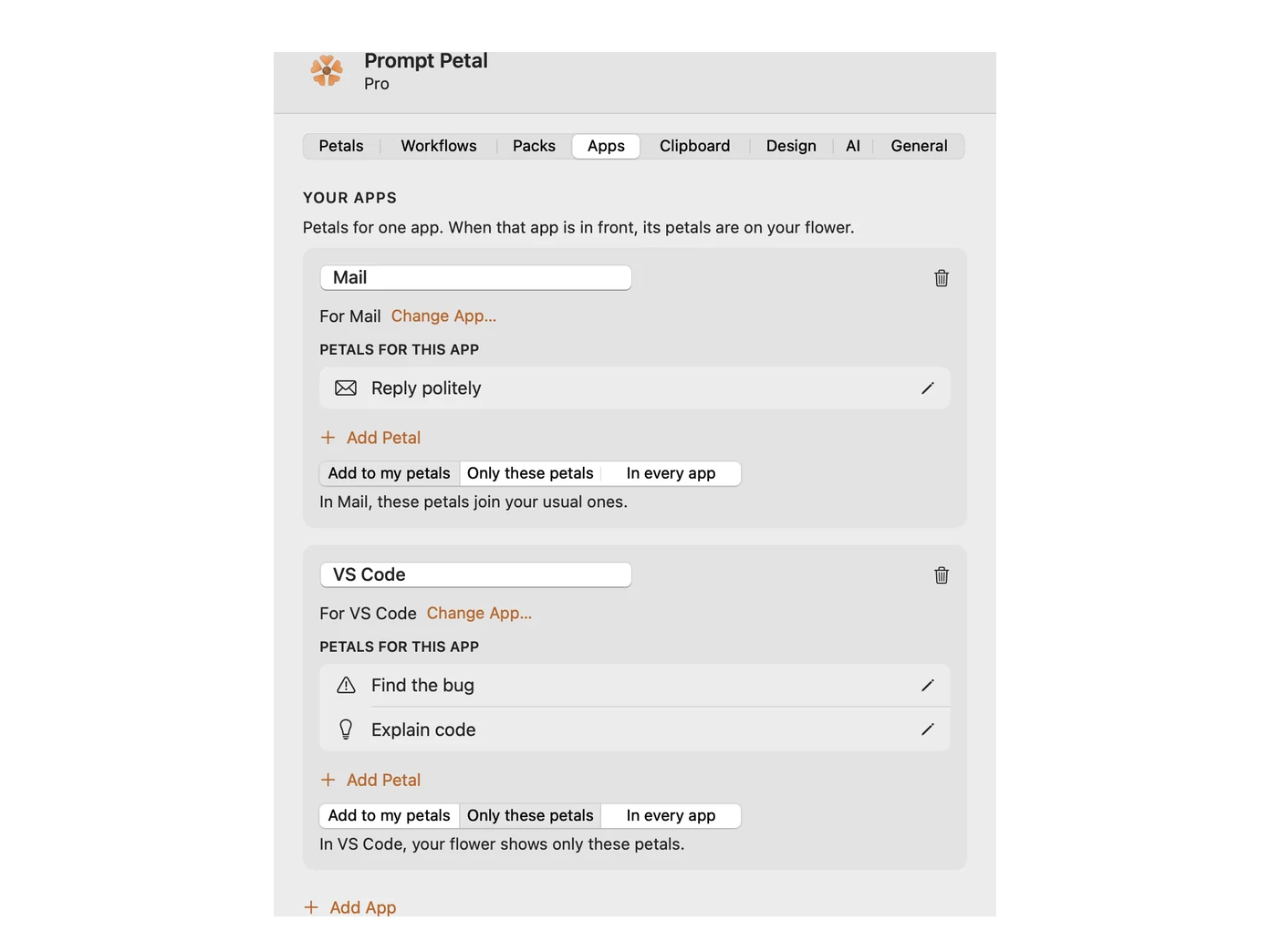
Petals per app
Petals for Mail when Mail is in front, and others for VS Code. Add them to your usual petals, or show only those. Pro.
Clipboard history
Keep the last 5 to 100 things you copy and pick one from your petals. It stays in memory on your computer and is gone when you quit.
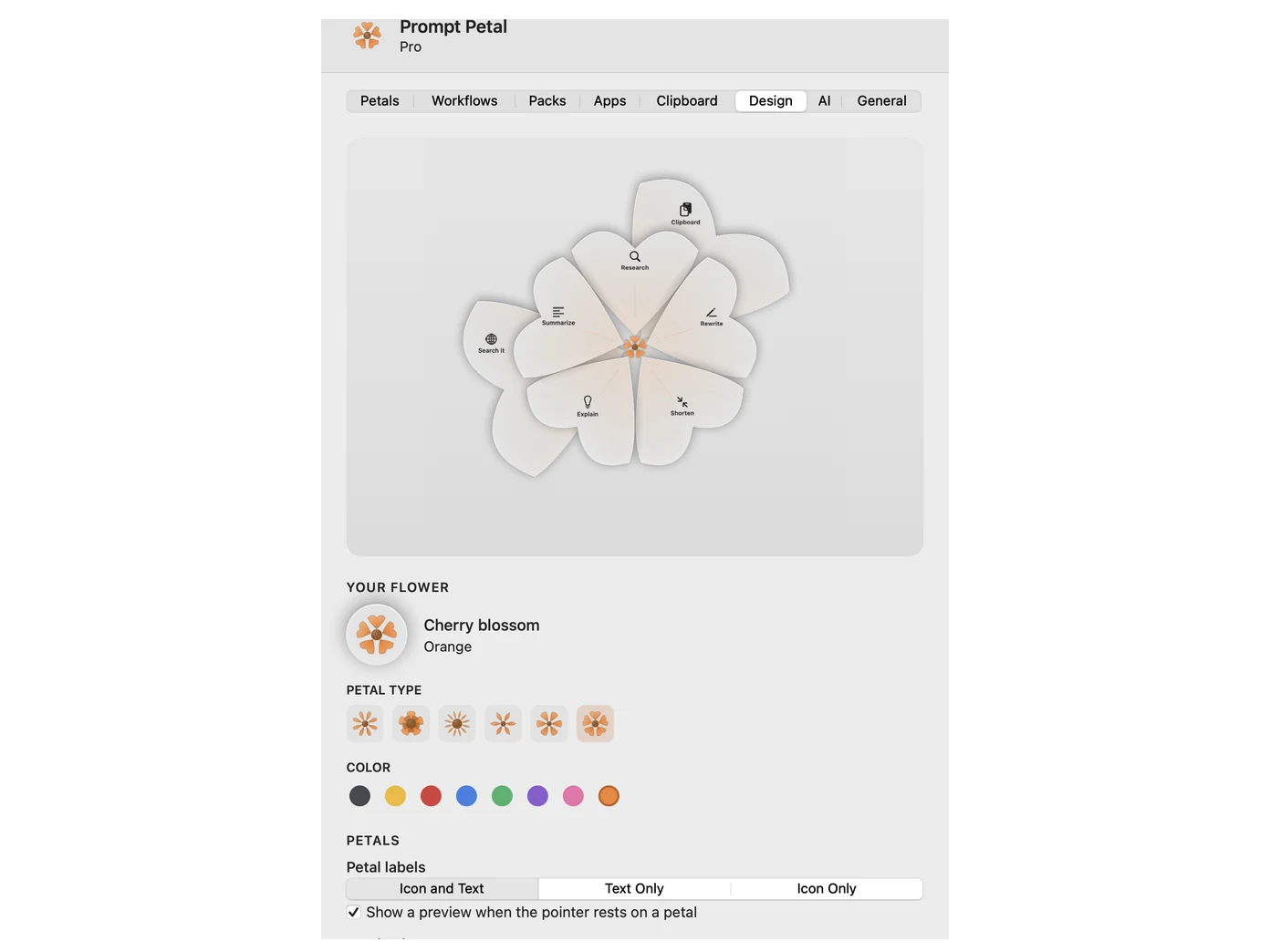
Your flower
Pick the petal shape and the color, and the button and your petals change with it. Show icons, words or both on each petal.
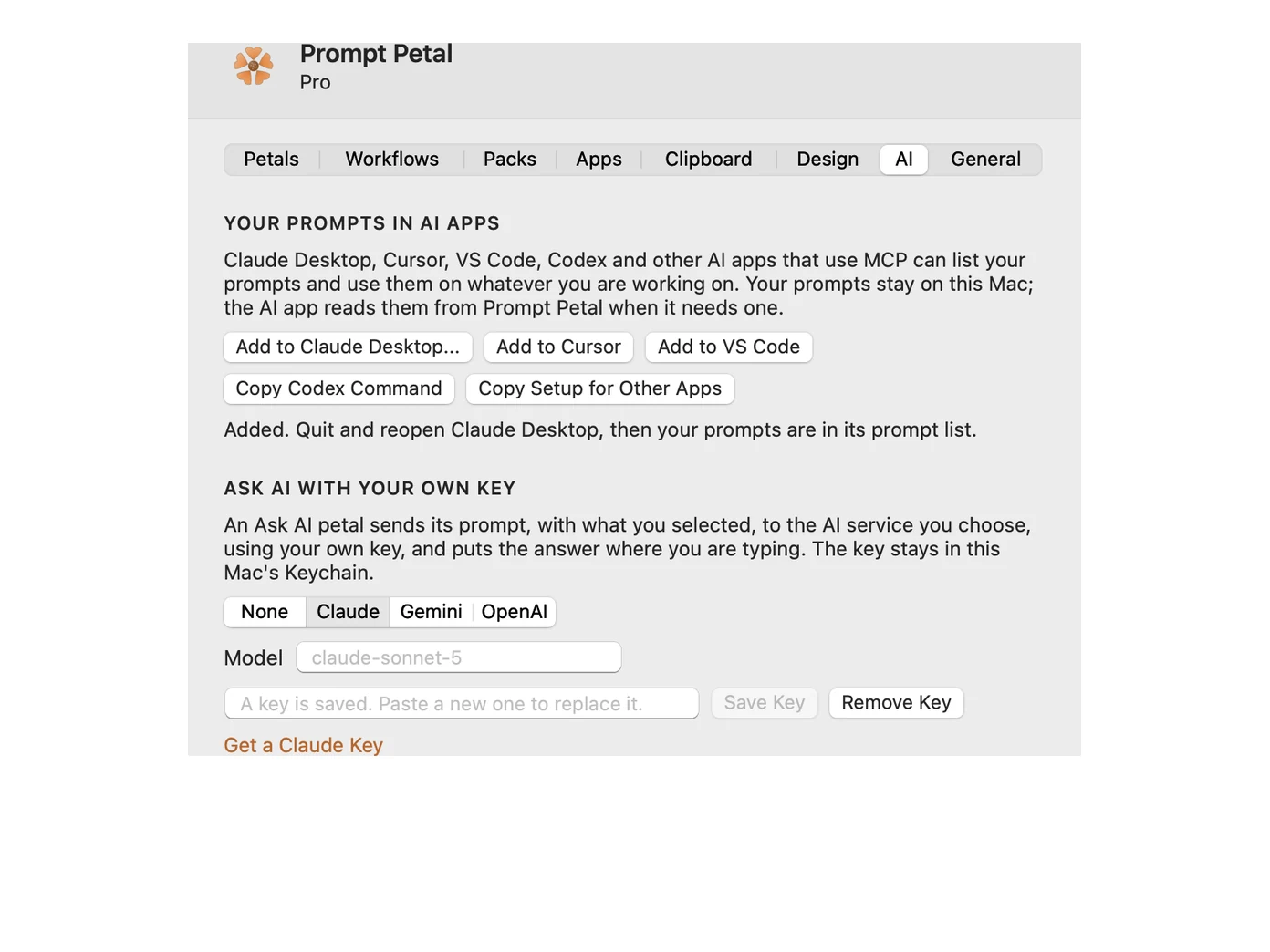
AI apps
Claude Desktop, Cursor, VS Code, Codex and other AI apps that use MCP list your prompts and use them on what you are working on. One click to add. The flower types into Siri, Gemini, Copilot and any other AI you type to. Pro.
AI usage
A flower for each AI you use: Claude, ChatGPT, Gemini, Copilot, and Siri on a Mac. Pick each flower and color. Claude and ChatGPT petals shrink as your plan gets used, by 5 hours or the week. Pro.
Full screen
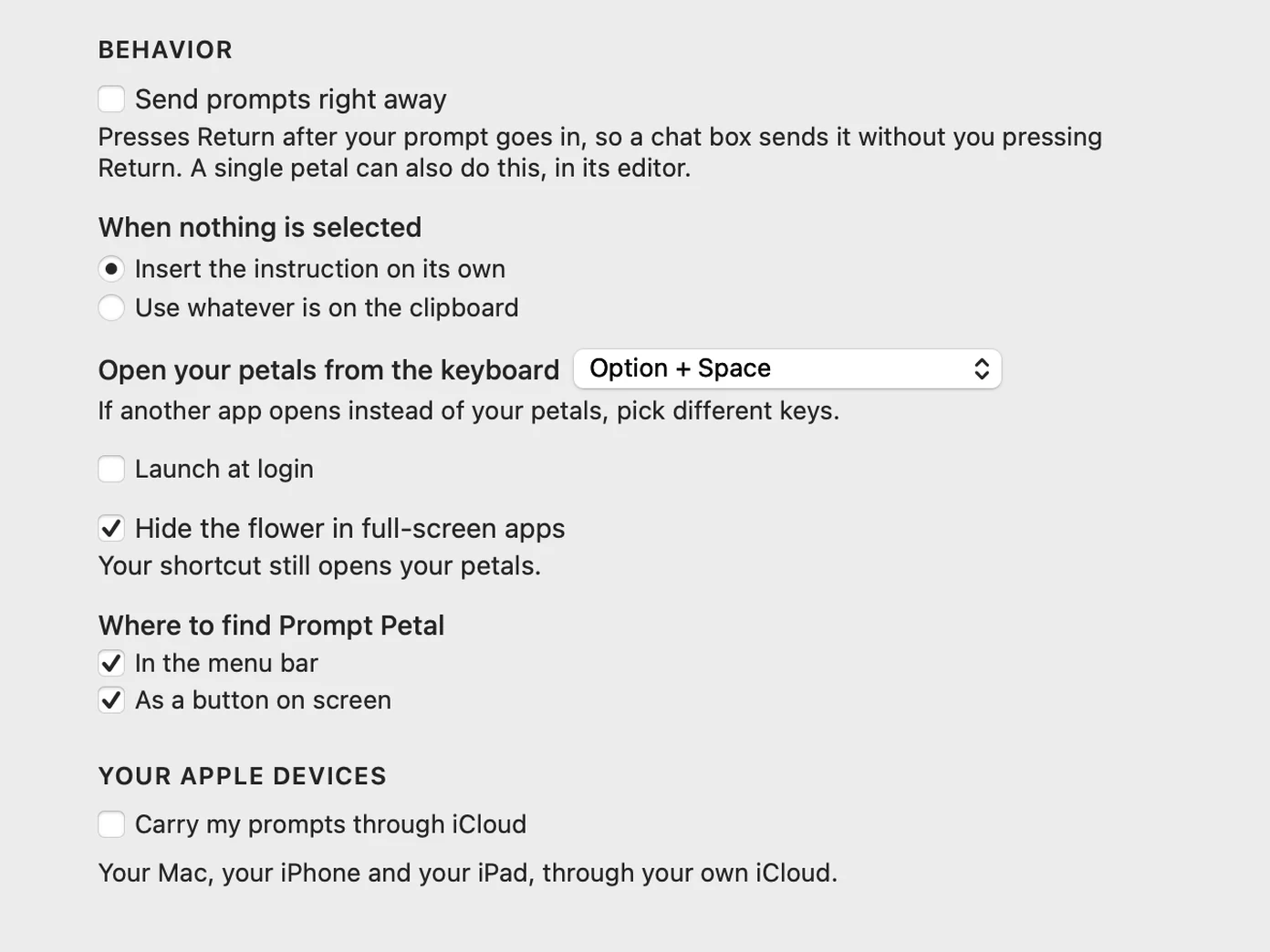
On a Mac, the flower steps aside when an app goes full screen. It is on by default, with one switch in Settings, and your shortcut still opens your petals.
Get Prompt Petal
The AI prompt manager is available free on:
Apple: iPhone, Apple Watch, iPad, Mac, plus widgets
Android: Android phones, Wear OS, Android tablets, Chromebooks, plus widgets
Googlebook: Google's new Android laptops, plus widgets
Windows: Windows PC desktops, plus widgets
Linux: Ubuntu, Fedora and other Linux desktops
Widgets and the watch come with Pro.
Why I Built Prompt Petal

Hi, I'm Lee. I use AI all day, and I kept typing the same instructions into it. Rewrite this. Shorten this. Explain this like I'm new to it.
Every time, I'd retype them from memory or dig through a notes file to copy them, and the wording was never quite the same twice.
That's why I built Prompt Petal. Your prompts sit on a small flower that floats over your work. Click it, pick a petal, and the instruction lands where you're typing, with what you selected already in it.
It grew from there: workflows that open a link or run a Shortcut, clipboard history on the same flower, and your prompts inside Claude Desktop, Cursor and other AI apps.
Prompt Petal is free with five prompts. Download it for Mac, Windows or Linux, get it on the App Store for iPhone and iPad, or on Google Play for Android. You can use the Message Me button with any questions and I'll get back to you within 24 hours.
Cheers -Lee
You can also check out my other apps: Reveal the Dream, Still Dock, MyLinedChart, The Long View, Keep the Diff, and Copy Shelter.
New in 1.4.2
What's new in Prompt Petal 1.4.2
- A new welcome. Try a petal on a sample note, pick your flower and color, and see the widgets, all before you start.
- Voice. Use your prompts with Siri, or open them with Hey Google.
- Lock. Face ID, Touch ID, a fingerprint or Windows Hello before Prompt Petal opens or your prompts change.
- Three keyboard layouts on your phone. Pick a full flower, half a flower or rows on iPhone and Android. Try each one on the welcome's Try it page, or change it any time in Settings.
- An Enter key on the phone keyboard. An orange Enter key sits under your prompts on iPhone and Android, so a chat sends without switching keyboards.
- Fill-ins you can see. In a prompt's editor, What you selected, What you copied and the date show as chips right inside the words.
- Two limits, one glance. Each AI in the menu shows a bar for 5 hours and the week. The bar turns red when you use your plan faster than it lasts.
- The same bars on your phone and watch. Your phone and watch show the same bars, sent from your computer.
- Petals that shrink as you use your plan. Each petal is a fifth of the limit and shrinks toward the center as it goes.
- Your main AI. Prompt Petal's own flower in the menu bar or tray shows the AI you pick.
- Sign in, stacked. Apple, Google, Microsoft and your email, one under the other on every device.
New in 1.4
- AI usage flowers. A flower for each AI you use in your Mac menu bar or Windows and Linux tray. Claude and ChatGPT petals shrink as your plan gets used, and a flower turns gray with a red dot while its service has trouble.
- Sign in to Claude and ChatGPT. Sign in right in Settings on a Mac, Windows or Linux computer, and their flowers show your usage.
- Your flowers, your way. Pick each flower and its color, and switch each one on or off.
- Gemini status. Gemini now has a status dot too, read from Google's own status page.
- Four ways to get Pro. Yearly paid now at the best price, Yearly with the first week free, Lifetime, and Monthly.
- Sync Across All Devices and Platforms. One tap from the help items shows how to put your prompts on another device.
- Switch to Yearly or get Lifetime right from Your account.
AI usage, Pro
See your AI usage as a flower
Each AI gets its own flower in your menu bar or tray. As you use your Claude or ChatGPT plan, the petals fade one by one, so you know where you stand before you hit the limit.
- A flower for Claude, ChatGPT, Gemini and Copilot, and Siri on a Mac.
- Pick each flower and its color, and switch each one on or off.
- Petals fade as you use your plan, by 5 hours or the week.
- Open the menu for a bar per limit. It turns red when you are using your plan faster than it lasts.
- Your phone shows the same bars at the top of your petals, and your watch shows them on one screen.
- A flower turns gray with a red dot while its service has trouble.
- Status dots for every AI come with Free.
Claude
Ahead of pace
A macro pad for AI, on your screen
A macro pad is a row of buttons that each do one thing you do all day. Prompt Petal is macro software for the work you hand to AI, all on your screen.
A button for every prompt
Research, rewrite, shorten, explain. Each one is a petal, one click from wherever you are typing, with your selection folded in.
Buttons that do things
A petal can open a link with your selection in it, open an app, run a Shortcut, or send a prompt the moment it lands. Pro.
A different pad per app
Petals for ChatGPT when it is in front, others for Mail, and the ones you want in every app. Pro.
Why the same prompt, every time
Long AI chats drift. As a conversation grows, the context window fills, and the instructions you gave at the start get pushed back, summarized or dropped, so the answers start missing things you asked for. Your best prompt, sent again in one click, puts every instruction back in front of the model.
Every instruction arrives
A tested prompt spells out every step you care about. Sending it again restates all of it, instead of trusting the model to remember what you said forty messages ago.
The same quality every time
You wrote the prompt once, when you were thinking clearly. Retyping from memory drops a line here and a detail there. A petal keeps every word.
Whole in any chat
Start a new chat, switch models or open another AI app, and your instructions arrive complete, with the text you selected folded in.
On every device you type on
One set of prompts, on your computer and your phone. Sign in with the same email and Pro and your prompts come with you. A new computer or phone signs in when your phone scans the QR code it shows.
Windows
The same petals, from the icon by your clock. Pro adds a Windows 11 widget. Also on the Microsoft Store, kept up to date for you.
Linux
The same petals, from the flower in your tray, on Ubuntu, Fedora and other desktops, on X11 and Wayland.
iPhone and iPad
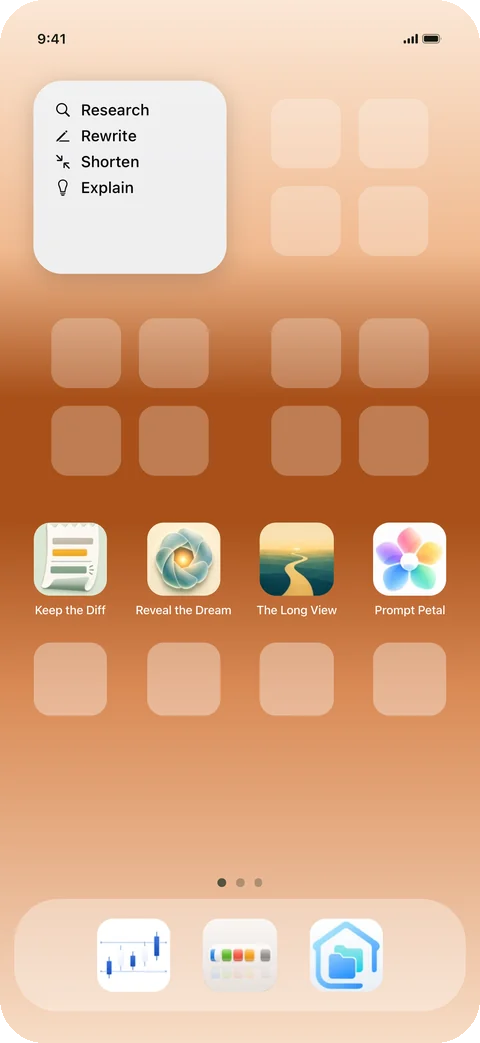
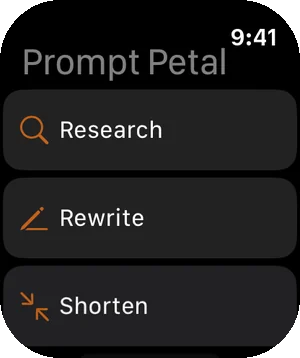
A keyboard of your prompts, in any app. Pro adds a home screen widget that copies one in a tap, and an Apple Watch complication that sends one to your phone.
Android, Chromebooks and Wear OS
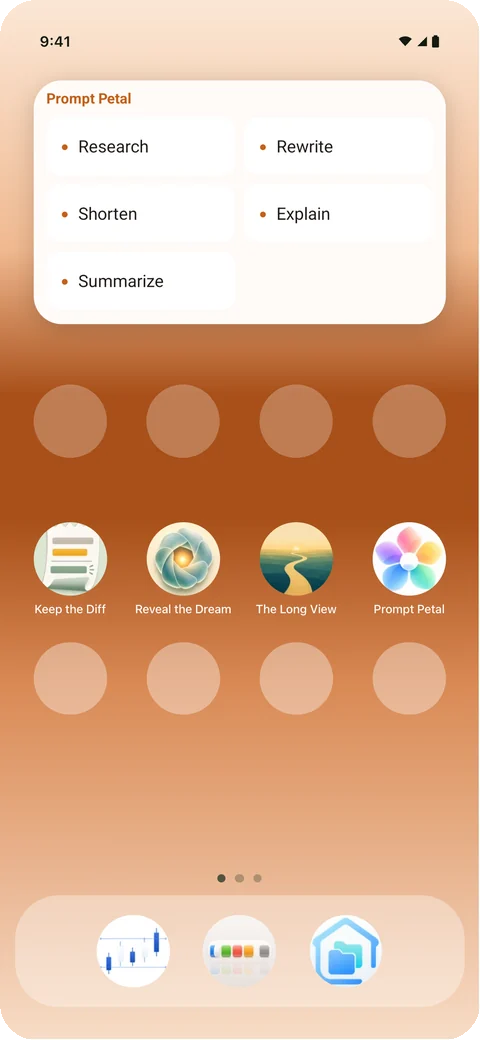
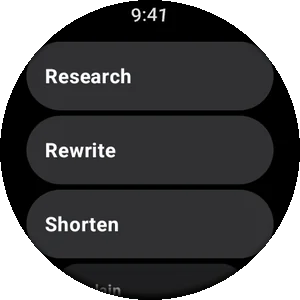
A keyboard of your prompts, in any app. Pro adds a home screen widget that copies one in a tap, and a Wear OS tile that sends one to your phone.
Prompts that keep getting better
A good prompt is a small piece of craft, and it improves the more you use it. We keep sharpening these and your copies stay current, the way an ad blocker keeps its lists current. Add a pack once and the good ones find their way to you. Part of Pro.
Code
Reviewing, explaining and untangling what you already have. 5 prompts.
Thinking
Prompts for when you are stuck, or about to be wrong. 5 prompts.
Writing
Getting a draft into shape, and getting out of your own way. 5 prompts.
What Prompt Petal does with your text
On a computer, Prompt Petal reads what you selected and types into the app you are in. On a phone, it is a keyboard. Here is exactly what it does with that.
Your text goes where you type
Your selection, and the text Prompt Petal builds from it, go straight into the app you are typing in. Prompts you sync are encrypted on your device before they leave it.
Your text stays with you
Prompt Petal reads your selection, uses it, and forgets it. It presses keys for you. Clipboard history, when you switch it on, stays in memory on your computer and clears when you quit.
Password fields stay private
Open a password field and Prompt Petal goes quiet until you leave it.
Prompt Petal at a glance
How it compares with the tools people already use to keep prompts and snippets.
Swipe the table to see the others.
| Prompt Petal | TextExpander | Raycast | A notes file | |
|---|---|---|---|---|
| How you insert one | Click the flower or press Option and Space, then pick a petal. A keyboard on phones. | Type an abbreviation, or search | Type a snippet's keyword | Switch apps, find it, copy, switch back, paste |
| Runs on | Mac, Windows, Linux, iPhone, iPad and Android | Mac, Windows, Chrome, iPhone and iPad | Mac, Windows and iOS | Wherever the notes app is |
| Free | Five prompts, used as often as you like | 5 active snippets | The core app, snippets included | Free |
Made to fit how you work
A few more things people asked for, on Mac, Windows and Linux.
Bigger text, or dark
Four text sizes and Light, Dark or Match System, for every window and the menu.
Locked to you
Touch ID or your password on a Mac, Windows Hello on a PC, your fingerprint, face or passcode on a phone. Pro.
Stays where you put it
Lock the button in place on a Mac, and start Prompt Petal when you sign in.
Questions
How does Prompt Petal help with the context window?
Every AI model reads a limited amount of text at once, its context window. In a long chat, early instructions get pushed back or dropped, and the model starts missing them. A petal sends your whole tested prompt again in one click, the same words every time, so each request carries every instruction instead of relying on something said forty messages ago.
Which AI apps does Prompt Petal work with?
Any app you can type into: ChatGPT, Claude, Gemini, Cursor, or your preferred AI, in a browser or its own app. Prompt Petal types the prompt where your cursor is. With Pro, Claude Desktop, Cursor, VS Code and other AI apps that use MCP can also list your prompts themselves.
Is there a keyboard shortcut on the Mac?
Option and Space opens your petals wherever your pointer is. While it is open, the arrow keys move between prompts, Return picks one, the number keys 1 to 5 pick directly, and Escape closes it.
What does the free version include?
Five prompts you can use as often as you like, and write or edit yourself: start with ours, change them, or replace them with your own. One of the five can be a workflow. Pro holds as many prompts as you like, groups variations under one petal, gives each app its own petals and keeps everything the same on every device.
Does it work on iPhone and Android?
Yes. On a phone Prompt Petal is a keyboard. Turn it on once, then switch to the Prompt Petal keyboard in any app and tap a prompt. It works on Android tablets and Chromebooks too. Apple Watch and Wear OS can send one to your phone.
Can Prompt Petal read what I type?
Prompt Petal reads the text you selected when you pick a petal, uses it, and forgets it. Prompt Petal presses keys for you and stays quiet in password fields. Clipboard history, if you switch it on, stays in memory on your computer.
How do I get my prompts on another device?
Sign in with the same email on each device. Prompts you sync are encrypted on your device before they leave it, so only your devices can read them.
Is there a free trial of Pro?
The yearly plan starts with 7 days free. Monthly and one time start right away.
How do I change my Pro plan?
Open Settings, then Your account, then Manage subscription. If you purchased through the App Store or Google Play, it opens their page for you.